

How to legally defend against negative reviews
April 2, 2025
How to report negative reviews on Expedia
April 5, 2025How to increase visibility on Tripadvisor?

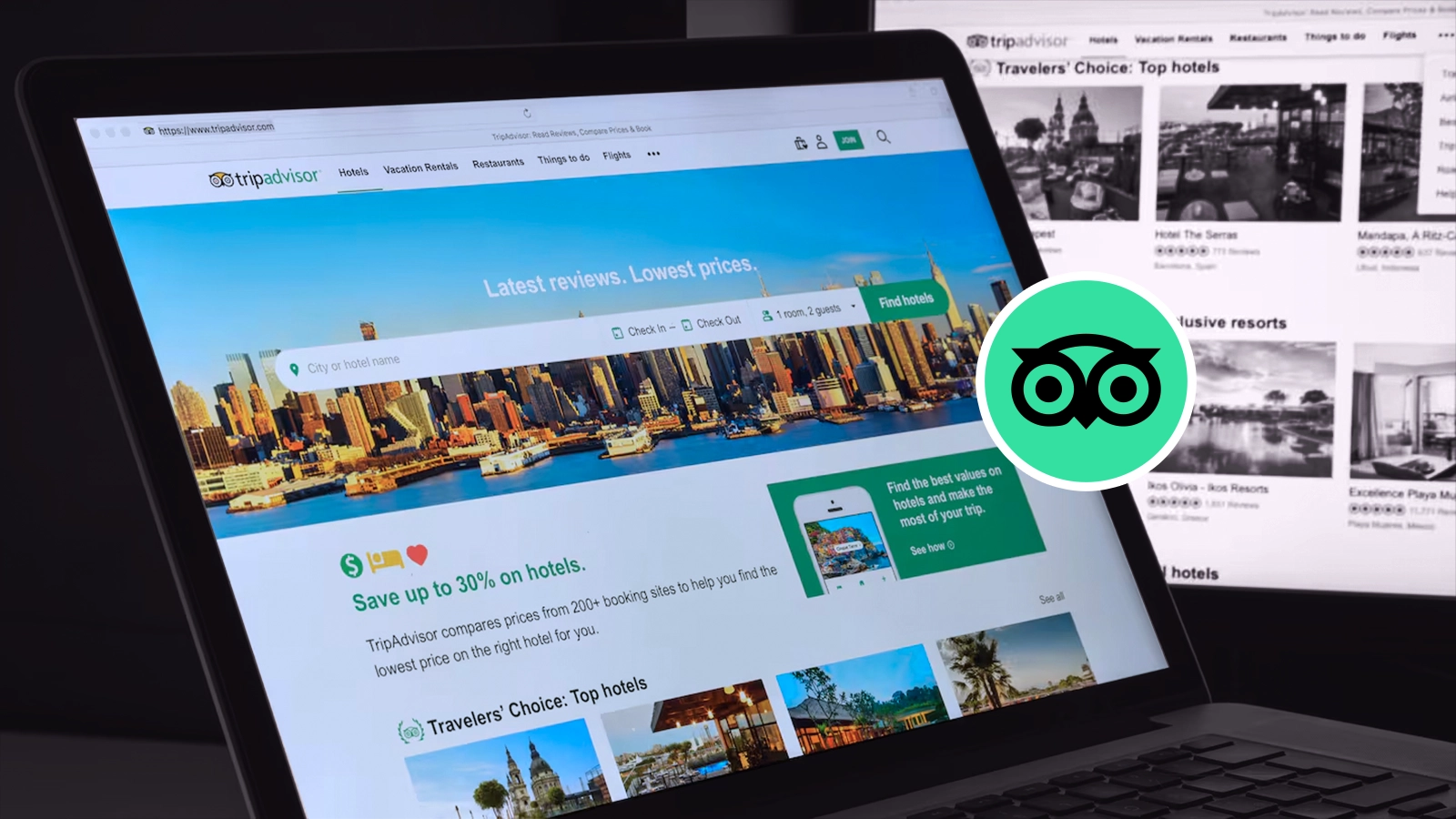
How to Increase Visibility on Tripadvisor?
If you run a hospitality business, you know that Tripadvisor is one of the pillars of success in the hospitality industry. But how do you go about standing out among thousands of reviews and competing profiles? The answer is simple: optimization, engagement and strategy. Let's see together how to increase visibility on Tripadvisor and turn travelers into loyal guests.
Positive reviews: The engine of your reputation
Reviews are at the heart of Tripadvisor. The more positive reviews you have, the more visible and attractive your property will be to potential guests. But how do you go about getting them?
First, ask your satisfied customers to leave a review. Don't be shy: a simple invitation to check out or a follow-up e-mail can make all the difference.
Tripadvisor offers a great tool called Quick Reviews, which allows you to send personalized e-mails to your guests with a direct link to your page. You can even add your property's logo or eye-catching images to make the message look more professional.
How does Quick Reviews work?
Rapid Reviews is a free service. Here's how to activate it and make the most of it:
Sending personalized e-mails
After checking out, you can send an e-mail to your guests politely asking them to leave a review. The message automatically includes a link to your Tripadvisor page, making the process quick and easy. You can personalize the e-mail with your property's logo or eye-catching images to make it more professional and engaging.
Guest data management
To use Quick Reviews, you must collect your guests' e-mail addresses. You can upload up to 1,000 e-mail addresses at a time, which allows you to send review requests in bulk.
Automatic Reminders
If a guest does not respond to the first email, Tripadvisor automatically sends a reminder. This increases the chances of receiving a review.
Analysis of results
The service includes a dashboard that shows you how many reviews you have collected, how many emails have been opened, and other useful metrics. This data helps you optimize your future campaigns.
Respond to reviews
Don't forget to respond to all reviews, both positive and negative. A prompt and courteous response shows that you care about your guests' feedback and can even turn a negative review into an opportunity to show your commitment.
The extra tip: If you don't have the ability to respond quickly and well to reviews, you can turn to software that does it for you. Rebyu, for example, automatically connects to your Tripadvisor profile and creates human and engaging responses in seconds, perfect for promoting your property. Test it here by activating your free trial, I'm sure you'll be pleased.
Complete and updated profile: your online ID card
An incomplete or outdated Tripadvisor profile is like a restaurant with a handwritten menu: it does not inspire confidence. Make sure all information is up-to-date: address, opening hours, services offered, and, most importantly, high-quality photos.
Images are key to attracting the attention of travelers. Show off the rooms, common areas, cuisine (if you have a restaurant) and any details that will make your guests fall in love. And don't forget to put your property on the Tripadvisor map. This small step can make a big difference, helping travelers find you easily when planning their trip.
How to Put Your Property on the Tripadvisor Map
Create or verify your profile
If you don't yet have a Tripadvisor profile, create one by visiting the "Post Your Facility on Tripadvisor" page. If the profile already exists, request a review through Tripadvisor Owners.
Enter the correct Address
When creating or editing your profile, be sure to enter the full address of your facility. Use the mapping tools to mark the exact location.
Update Information
Verify that all details are correct in the Tripadvisor Management Center. An accurate and up-to-date address is essential to avoid location errors.
Widgets and social media: amplify your presence
Want to make it even easier for your guests to leave a review? Integrate a Tripadvisor widget on your Web site. This small tool allows visitors to your site to go directly to your Tripadvisor page, where they can read reviews and perhaps leave one of their own.
And don't neglect social media. Share your Tripadvisor profile link on Facebook, Instagram and other platforms, and invite your followers to leave a review after their stay. Social is a very powerful channel for increasing visibility and engaging your guests.
Conclusion: visibility is opportunity
Increasing visibility on Tripadvisor is not just about numbers-it's about reputation, trust, and quality. With an optimized profile, positive reviews and a well-planned engagement strategy, you can turn your property into a desired destination.
Start working on your presence on Tripadvisor today. Ask for reviews, respond to feedback, update your profile and promote your property on social. The result? More bookings, more satisfied guests and, most importantly, more success for your business.
With these tools and tips, you're ready to conquer Tripadvisor and grow your business!